Chess
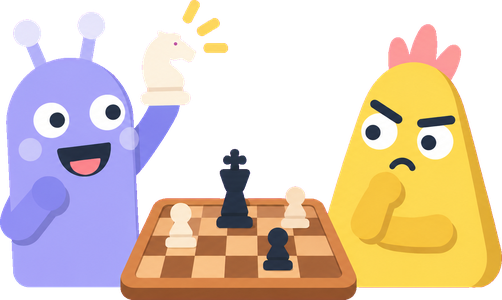
Real chess on a 3D board. Your team votes on every move.
- 2+ players
- About 25 min
- ▲ Competitive
- Work · Party
How to play Chess
- The room splits into White and Black. With two players it’s a normal game of chess, one against one.
- On your team’s turn, tap a piece on your phone, then the square it goes to. That’s your vote, and it shows up as an arrow on the big screen.
- The move with the most votes is played when the vote clock runs out, or as soon as everyone has voted. You can back a teammate’s suggestion with one tap.
- If nobody votes in time, the game plays a sensible move for your team.
- Checkmate wins, and stalemate and the usual draws count. A team can vote to resign, and the host can end the game early, when the side with more material wins.
- You score 100 points each time your vote is the move played, and 500 if your team wins. Most picks played is crowned Grandmaster.
Before you start
What you need
- One screen everyone can see to host on: a TV, a PC, a laptop, or a screen shared on a video call.
- A phone for each player (2+ players). They join with the 4-letter room code or the QR code.
- No app to install and no account to make. Players who’d rather have an app can use Hurdle for iPhone or Android.
Game settings
- Time to vote on each move: Blitz (20 seconds a move), Standard (30 seconds a move) or Relaxed (no time limit).